Introducing
About WindUI
Setup
LoadstringThemes
UI
WindowKey SystemTabDialogPopupNotificationTagTab Section
Elements
SectionButtonToggleSliderInputDropdownParagraphKeybindColorpickerCodeDividerSpaceImageGroup (deprecated)HStack & VStack
Advanced
ConfigsIcons

Tag

Create tag badges and labels in WindUI

Tag

Tag Element

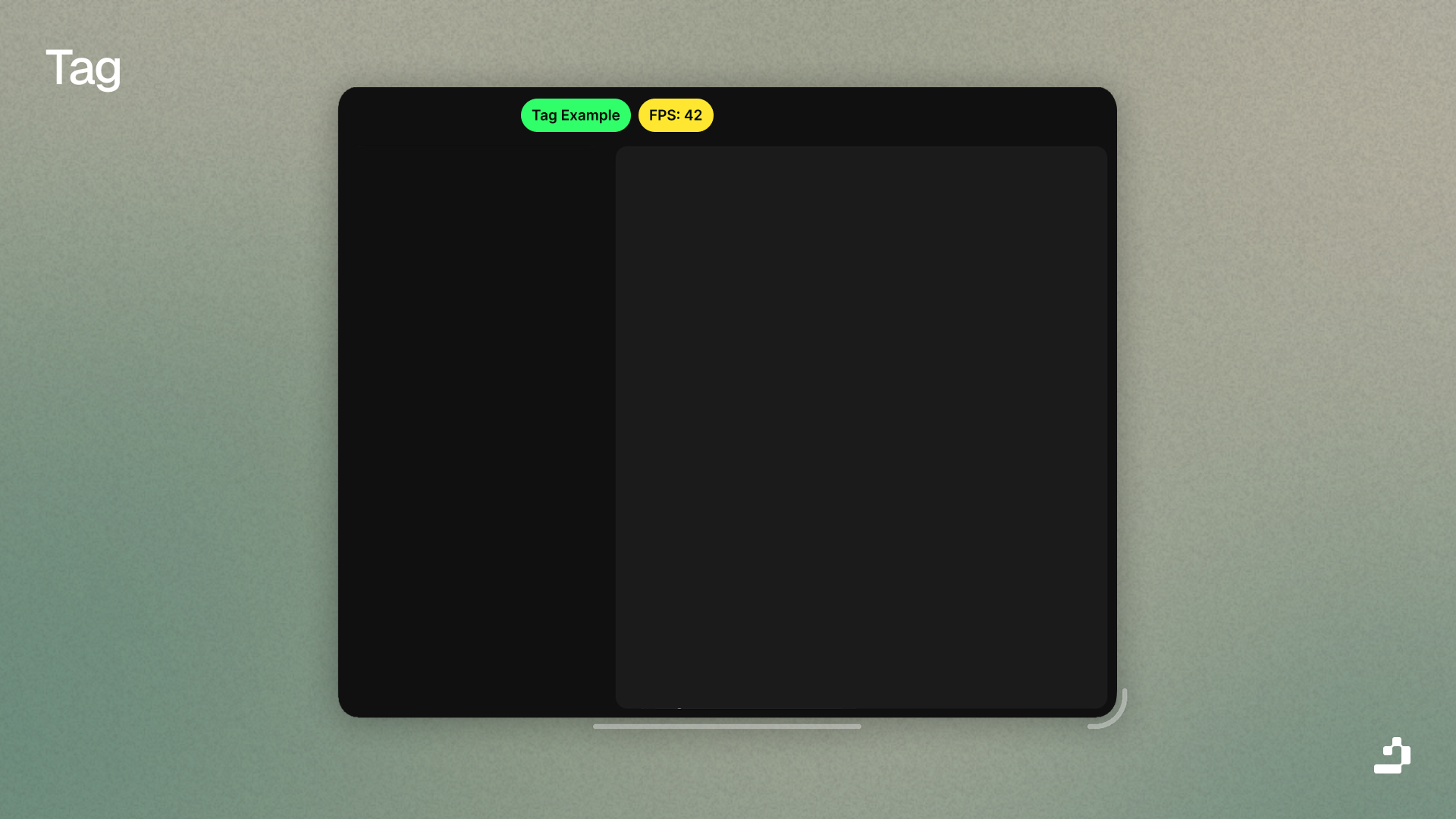
Tags are compact badges used to label, categorize, or mark elements. They're useful for status indicators, labels, and badges.

Tab:Tag({
    Title = "New",
    Color = Color3.fromRGB(100, 200, 100)
})

Tag Parameters

NameDefault
: stringTag
: string?nil
: Color3?nil

Tag Functions

Name
()
()
()

Usage Examples

FPS Counter Tag

-- your tag
local FPSTag = Window:Tag({
    Title = "FPS: 0",
    Color = Color3.fromRGB(100, 150, 255),
})
 
local RunService = game:GetService("RunService")
local lastUpdate = tick()
local frameCount = 0
 
RunService.RenderStepped:Connect(function()
    frameCount = frameCount + 1
    local now = tick()
    
    if now - lastUpdate >= 1 then
        local fps = math.floor(frameCount / (now - lastUpdate))
        FPSTag:SetTitle("FPS: " .. fps)
        
        if fps >= 50 then
            FPSTag:SetColor(Color3.fromRGB(0, 255, 0)) -- Green
        elseif fps >= 30 then
            FPSTag:SetColor(Color3.fromRGB(255, 200, 0)) -- Yellow
        else
            FPSTag:SetColor(Color3.fromRGB(255, 0, 0)) -- Red
        end
        
        
        frameCount = 0
        lastUpdate = now
    end
end)

Ping Counter Tag

local PingTag = Window:Tag({
    Title = "Ping: 0ms",
    Color = Color3.fromRGB(100, 200, 255),
})
 
task.spawn(function()
    while true do
        local success, ping = pcall(function()
            local Stats = game:GetService("Stats")
            local pingValue = Stats.Network.ServerStatsItem["Data Ping"]:GetValue()
            return math.floor(pingValue)
        end)
        
        if success and ping then
            PingTag:SetTitle("Ping: " .. ping .. "ms")
            
            if ping <= 50 then
                PingTag:SetColor(Color3.fromRGB(0, 255, 0)) -- Green
            elseif ping <= 100 then
                PingTag:SetColor(Color3.fromRGB(255, 200, 0)) -- Yellow
            elseif ping <= 200 then
                PingTag:SetColor(Color3.fromRGB(255, 150, 0)) -- Orange
            else
                PingTag:SetColor(Color3.fromRGB(255, 0, 0)) -- Red
            end
        end
        
        task.wait(2)
    end
end)
  • Tab - Tab container
  • Paragraph - Text display with tags
  • Button - Similar interactive element
  • Section - Section containers for organizing tags