Introducing
About WindUI
Setup
LoadstringThemes
UI
WindowKey SystemTabDialogPopupNotificationTagTab Section
Elements
SectionButtonToggleSliderInputDropdownParagraphKeybindColorpickerCodeDividerSpaceImageGroup (deprecated)HStack & VStack
Advanced
ConfigsIcons

Section

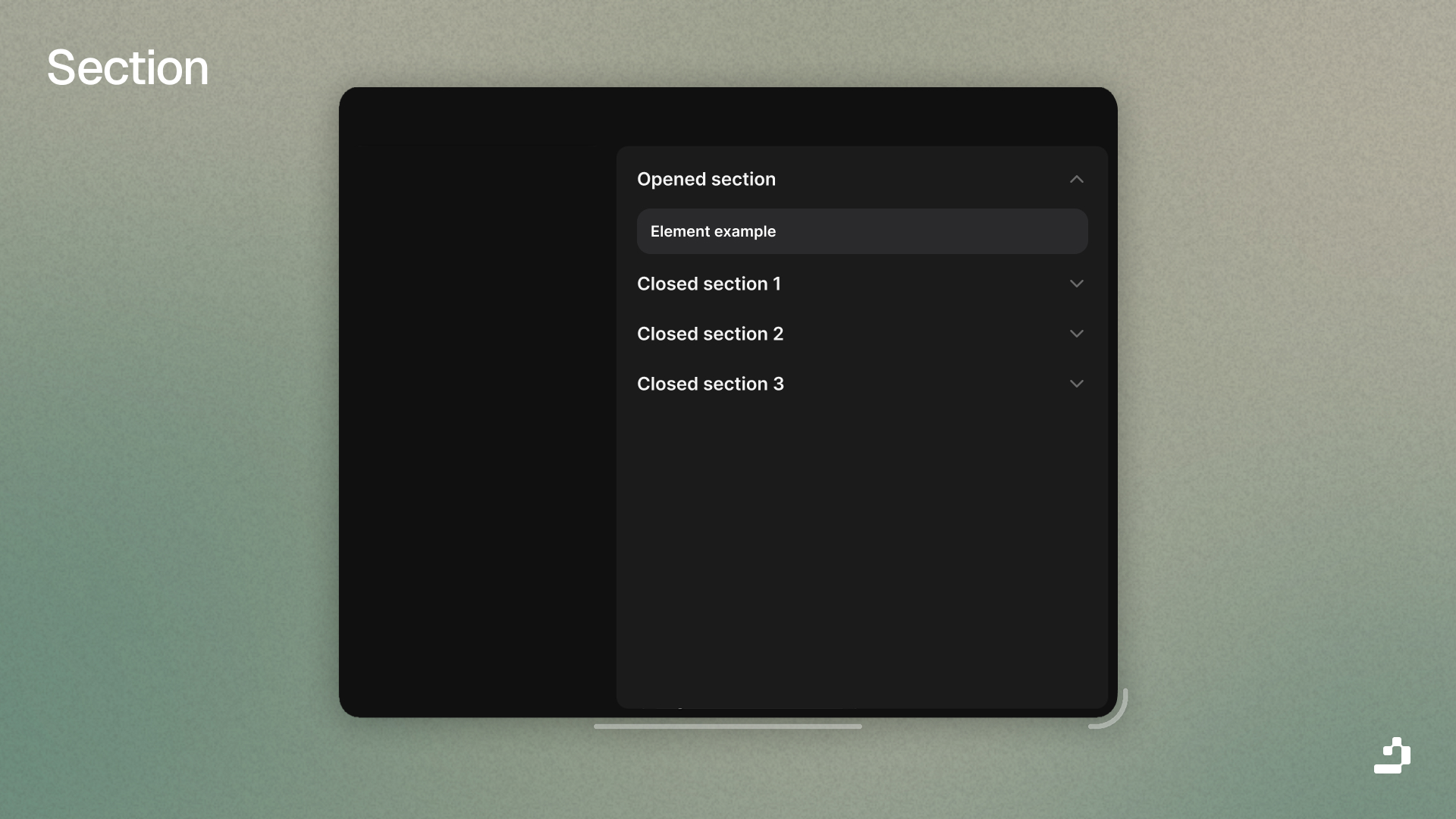
Organize elements into collapsible sections in WindUI

Section

Section Element

Sections organize related elements into collapsible groups. They're useful for grouping related settings or features.

local Section = Tab:Section({
    Title = "General Settings"
})
 
Section:Button({ Title = "Button in Section" })
Section:Toggle({ Title = "Toggle in Section" })

Section Parameters

NameDefault
: stringSection
: string?nil
: string?nil
: Color3?nil
: number?19
: string?Left
: boolean?false
: boolean?false
: boolean?true
: Enum.FontWeight?SemiBold
: Enum.FontWeight?Medium
: number?0.05
: number?0.4

Section Function

Name
()
()
()
()
()

Section Variants

Simple Section

local BasicSection = Tab:Section({
    Title = "Basic Options"
})
 
BasicSection:Button({ Title = "Option 1" })
BasicSection:Button({ Title = "Option 2" })
BasicSection:Button({ Title = "Option 3" })

Section with Icon

local DisplaySection = Tab:Section({
    Title = "Display",
    Icon = "monitor",
    Opened = true
})
 
DisplaySection:Toggle({ Title = "Dark Mode" })
DisplaySection:Slider({ 
    Title = "Brightness",
    Value = { Min = 0, Max = 100, Default = 80 }
})

Section with Description

local AdvancedSection = Tab:Section({
    Title = "Advanced Settings",
    Desc = "Configure expert-level options",
    Icon = "zap",
    Opened = false
})
 
AdvancedSection:Toggle({ Title = "Enable Debug Mode" })
AdvancedSection:Input({ Title = "API Key" })

Boxed Section

local BoxedSection = Tab:Section({
    Title = "Important Settings",
    Box = true,
    BoxBorder = true,
    Icon = "alert-circle",
    Opened = true
})
 
BoxedSection:Toggle({ Title = "Require Confirmation" })
BoxedSection:Button({ Title = "Apply Changes" })

Closed Section

local CollapsedSection = Tab:Section({
    Title = "Advanced Options",
    Icon = "settings",
    Opened = false,
    TextSize = 16
})
 
CollapsedSection:Button({ Title = "Advanced Setting 1" })
CollapsedSection:Button({ Title = "Advanced Setting 2" })

Centered Section

local CenteredSection = Tab:Section({
    Title = "Features",
    TextXAlignment = "Center",
    TextSize = 20
})
 
CenteredSection:Button({ Title = "Feature A" })
CenteredSection:Button({ Title = "Feature B" })
  • Tab - Tab container
  • Elements - Available elements to add to sections
  • Window - Create sections in window